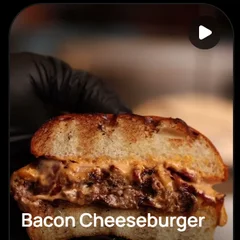
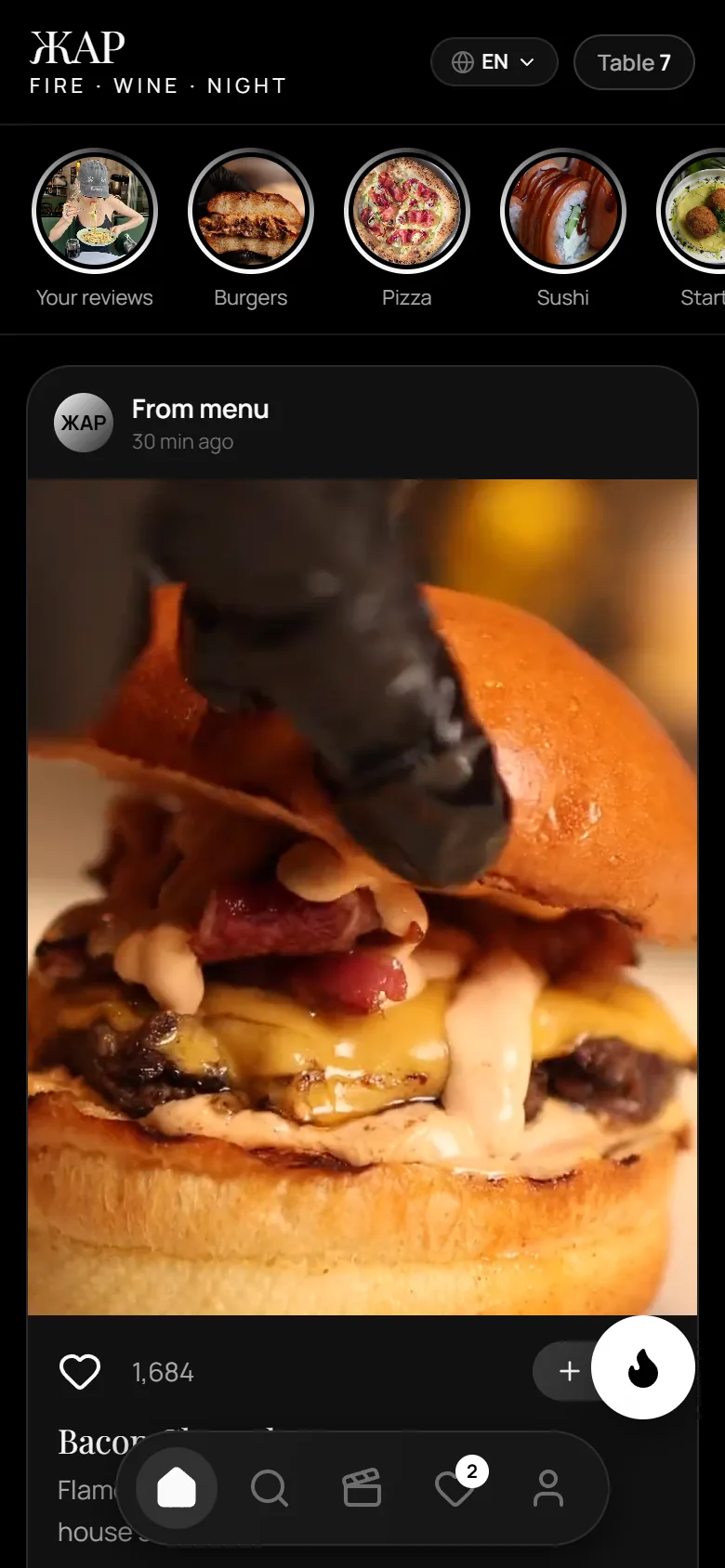
Guests scan the QR code at the table and see your dishes on video — with prices, ingredients, a drink that goes with them and an order button. Under your restaurant’s name, no download needed.
QR menu at every tableVideo · Menu · Order · ServiceScroll
Inside the video menu
Every element works for the dish.
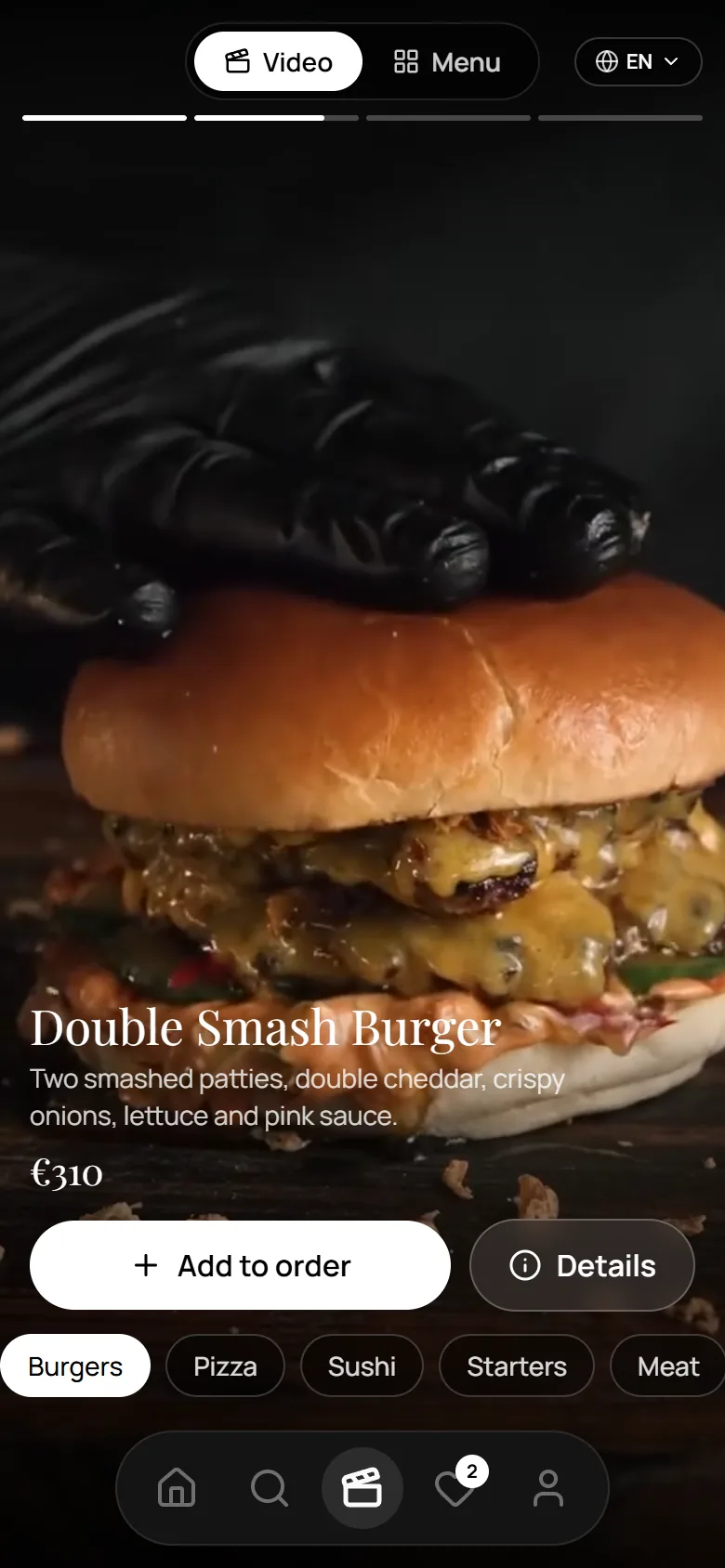
One real screen of the ЖАР demo, taken apart.
123456
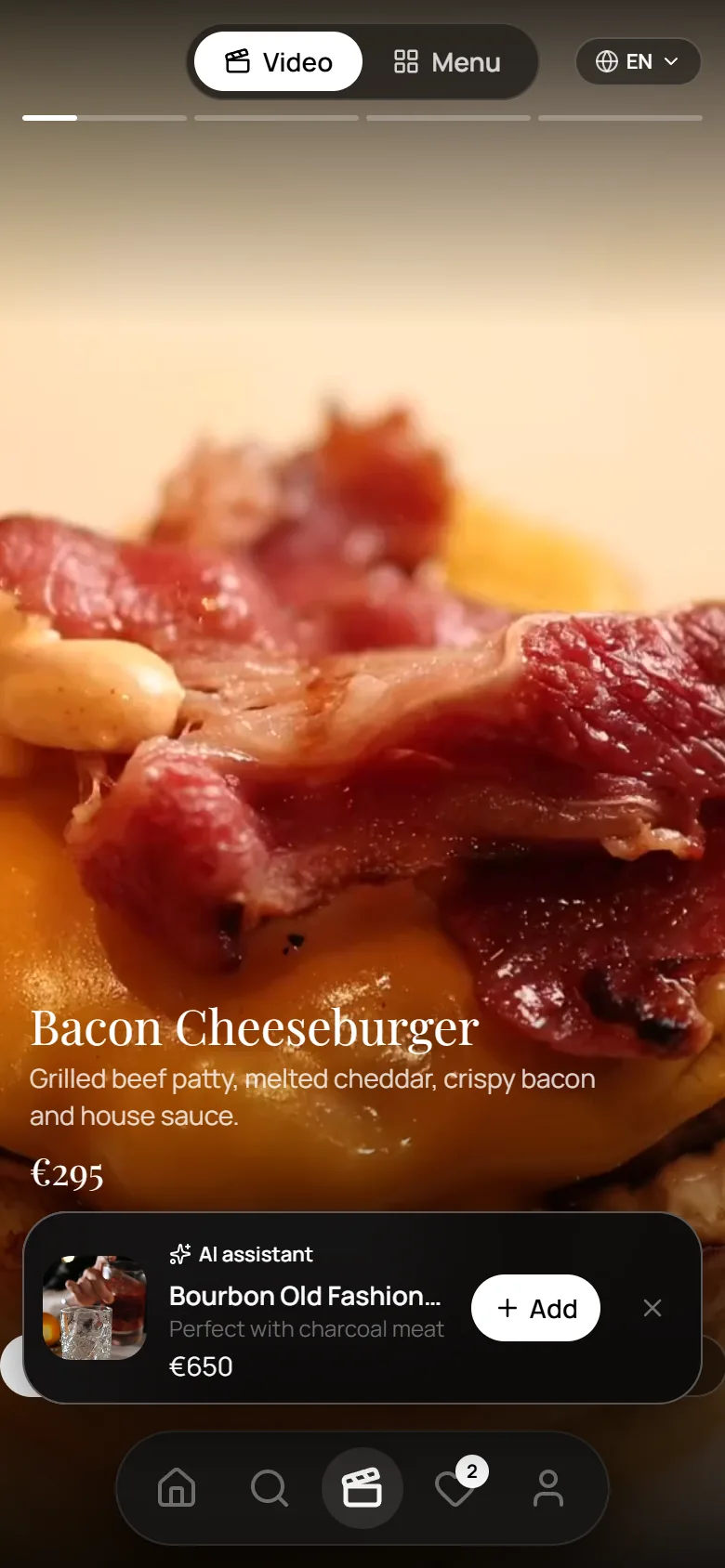
1Video / Menu switch
2Full-screen dish video
3Dish name and description
4Price
5Add to order · Details
6Categories
How guests use ANCORA
From the first video to the order — in three steps.
01
Watches the video
Dishes play full screen. Swipe to the next dish or switch category.
02
Chooses a dish and an extra
Ingredients, weight and a drink that pairs with it — added with one tap.
03
Builds the order
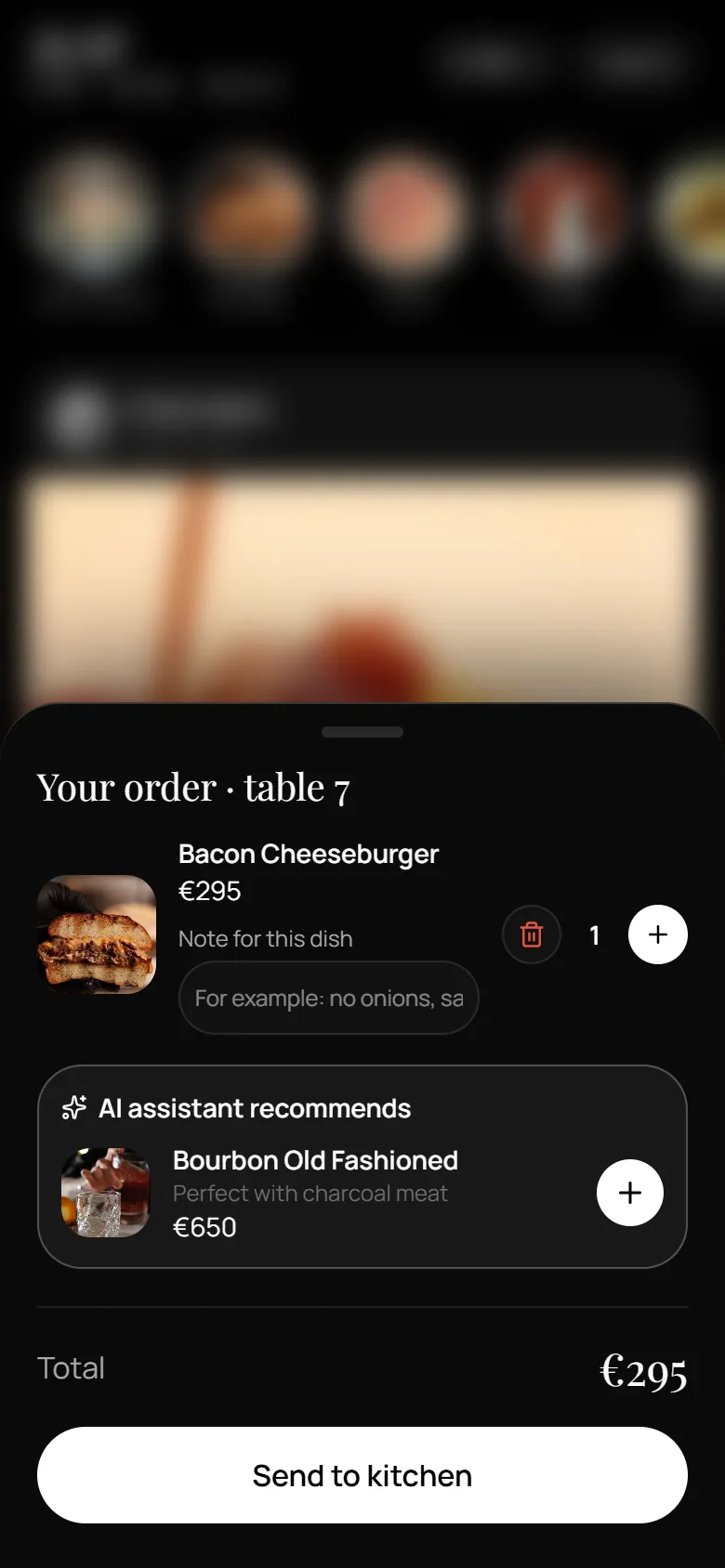
Everything for the table in one list, with notes and quantities.
Screenshots of the ЖАР demo. Prices and dishes belong to the demo restaurant.
Features
One app for the whole evening at the table.
Video menu
A feed of your dishes, with Stories-style categories.
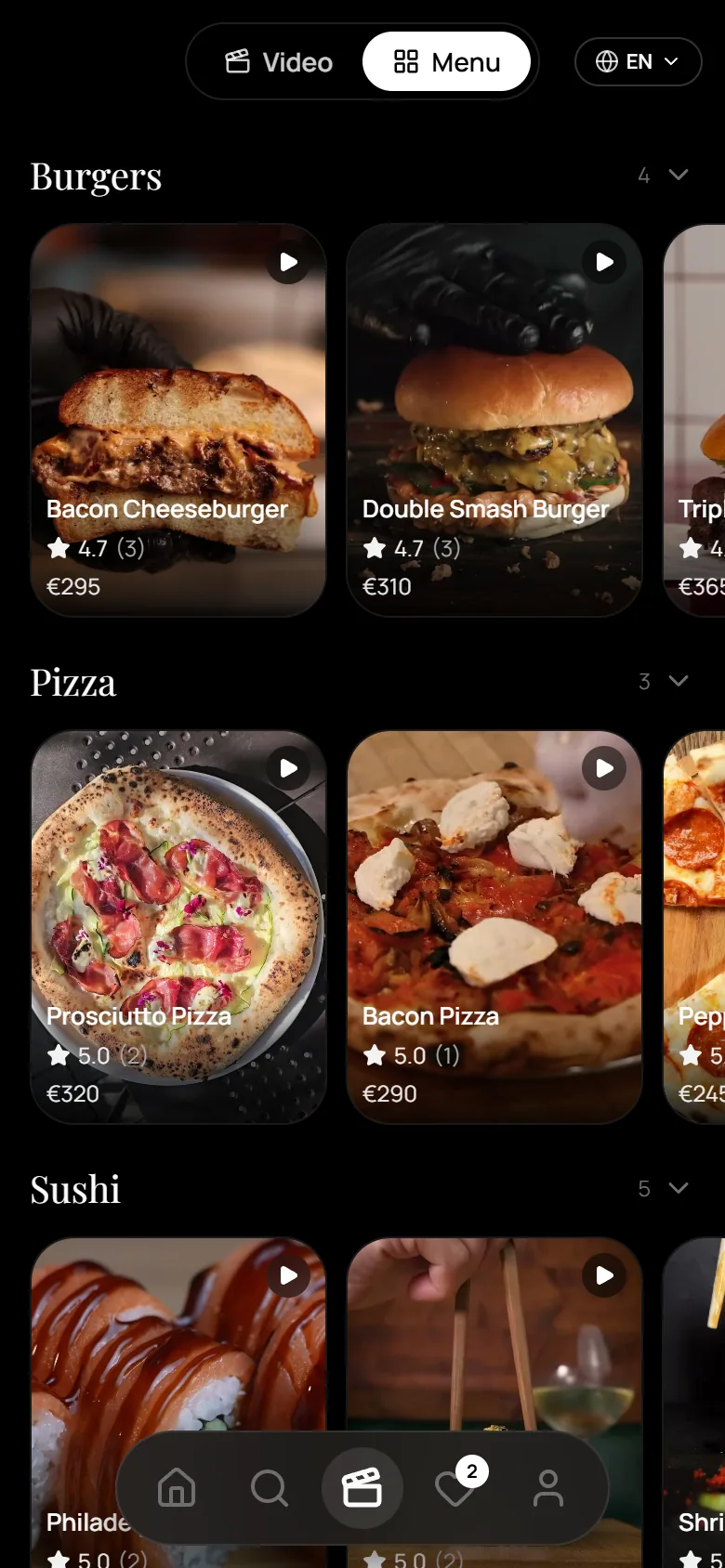
The guest starts with food in motion, not a list of names. A switch at the top turns the videos into a classic catalog with photos and prices — and every photo leads back to its video.
For you: the dish sells itself before a waiter says a word.
Interactive preview · real screenshots
Dish details
Everything a guest would ask the waiter.
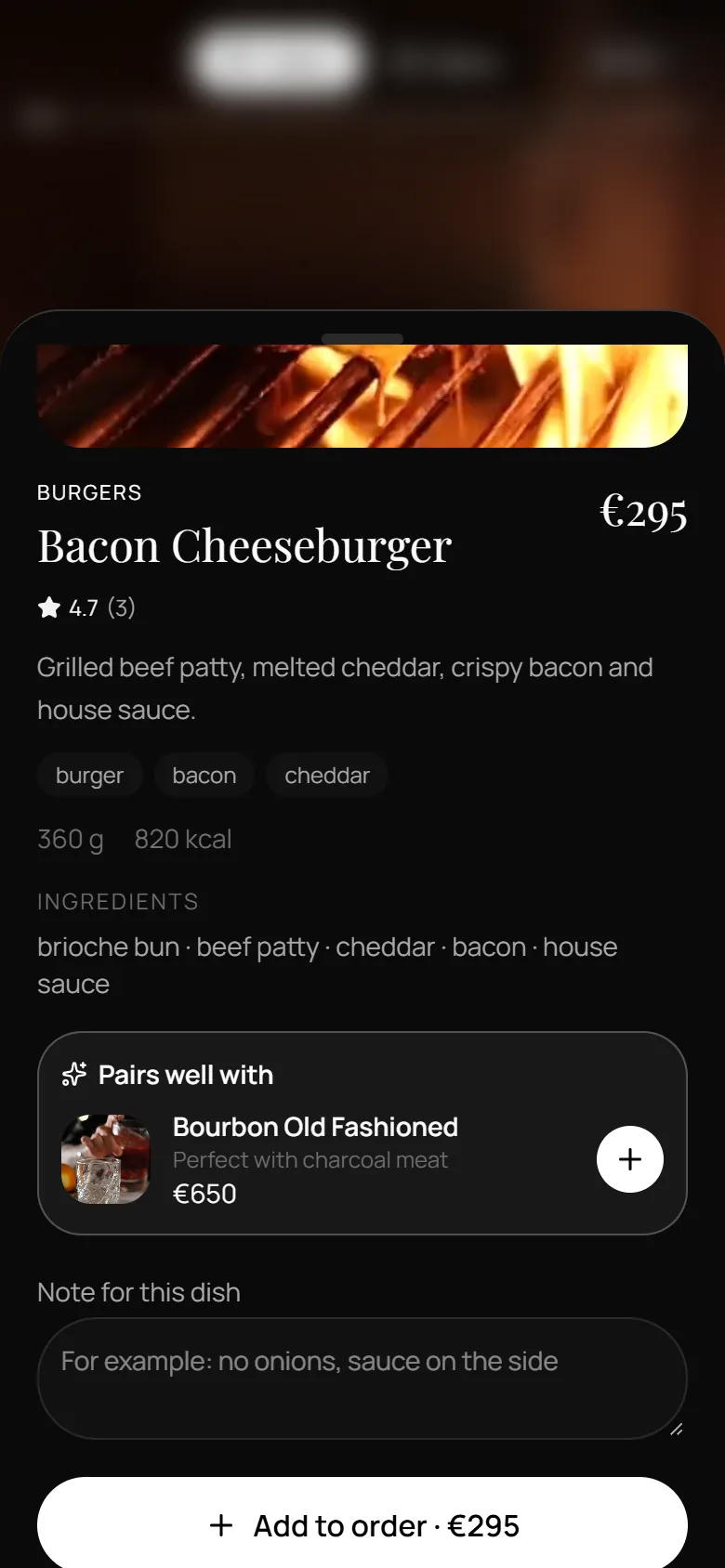
Weight, calories, ingredients and tags on one card. A note field for “no onions, sauce on the side” goes straight into the order line.
For you: fewer repeated questions, clearer special requests.
Recommendations
The right drink, right after the dish.
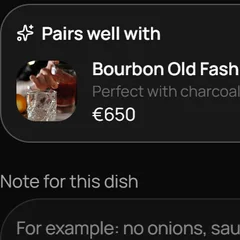
When a burger goes into the order, the assistant suggests a drink that suits it — here, a Bourbon Old Fashioned for charcoal meat. One tap adds it. You choose the pairings.
For you: drinks and extras get seen at the moment the guest is choosing.
Service at the table
Waiter, bill, cutlery — one tap away.
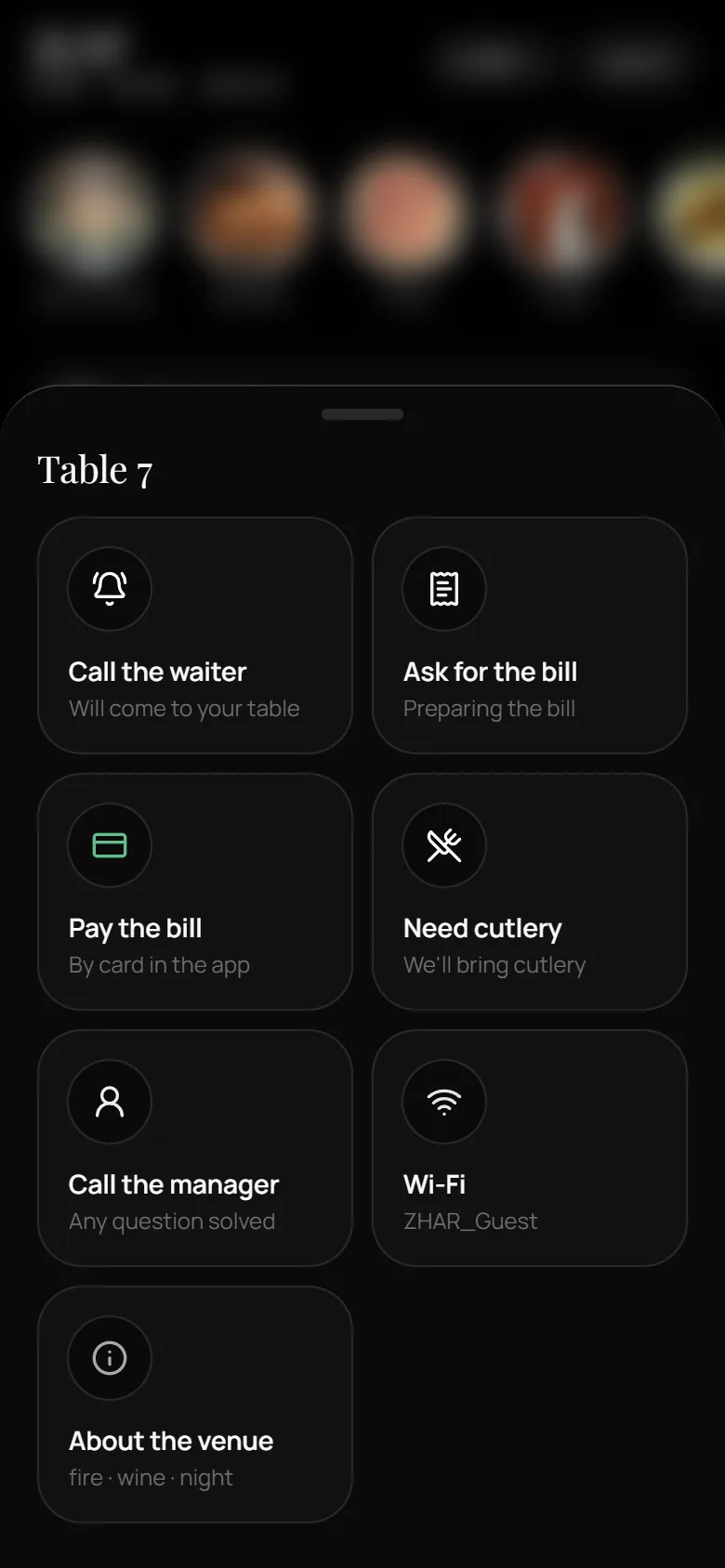
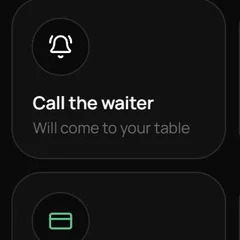
The flame button opens quick actions for the table: call the waiter, ask for the bill, pay, ask for cutlery, call the manager, Wi‑Fi details.
For you: guests don’t have to catch someone’s eye, and staff see which table needs what.
Payment and POS connections are agreed for each restaurant before launch.
Your brand
Your restaurant’s page — and an app on the guest’s home screen.
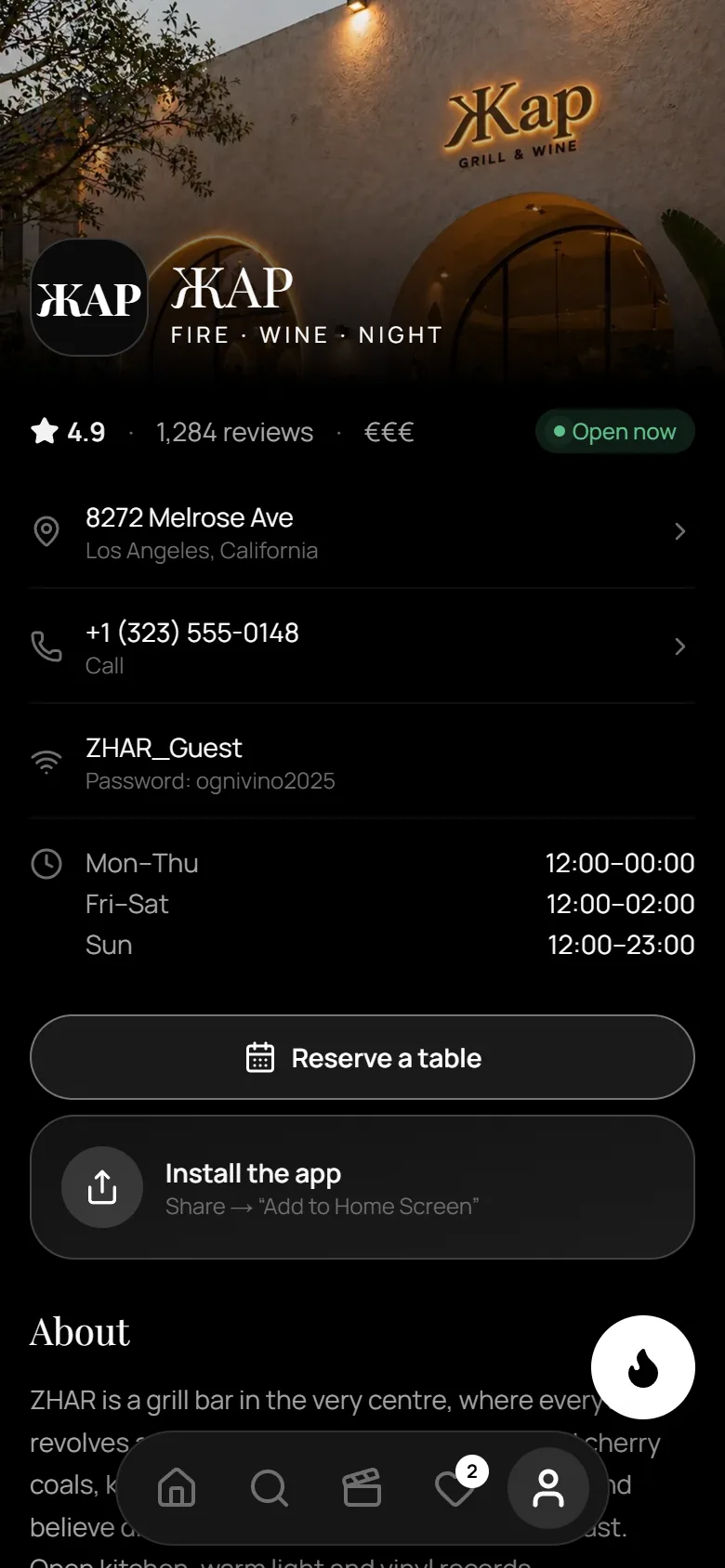
Logo, photos, address, hours and Wi‑Fi in your style. Guests can add the menu to their home screen as an app — no app store.
For the restaurant
What changes for your team.
ANCORA doesn’t replace your staff. It takes over the part of the evening that is the same at every table.
Dishes presented the same way every time
Every guest sees the dish as you filmed it, whoever is on shift.
Extras get noticed
Drinks and add-ons appear next to the dish they go with, not on the last page.
Simpler requests
Bill, cutlery or a question for the manager arrive as clear table requests.
Getting started
From the first call to the first guest order.
01
Meet the restaurant
A call or a visit: your menu, service style and what you want guests to notice.
02
Materials & setup
You send dish photos and videos, prices and descriptions. We build the menu, categories, pairings and your page.
03
Team training
Managers and administrators learn to update dishes and handle table requests.
04
Launch
QR codes go on the tables and guests open the menu from their phones.
The menu is built from the photos and videos you provide.